

Android Studio
Code test and emulate Android applications seamlessly
Description
Android Studio streamlines Android app development by integrating every essential tool into one environment. Programmers can write code with smart assistance, design UIs with a drag-and-drop editor, and debug in real-time with an interactive debugger. Its high-performance emulator runs multiple virtual devices to test app behavior across different screen sizes and versions of Android. The IDE also manages project builds, dependencies, and supports continuous integration. This seamless integration of writing, debugging, testing, and emulation capabilities allows developers to focus on creating polished, high-quality applications efficiently from start to finish.
Screenshots
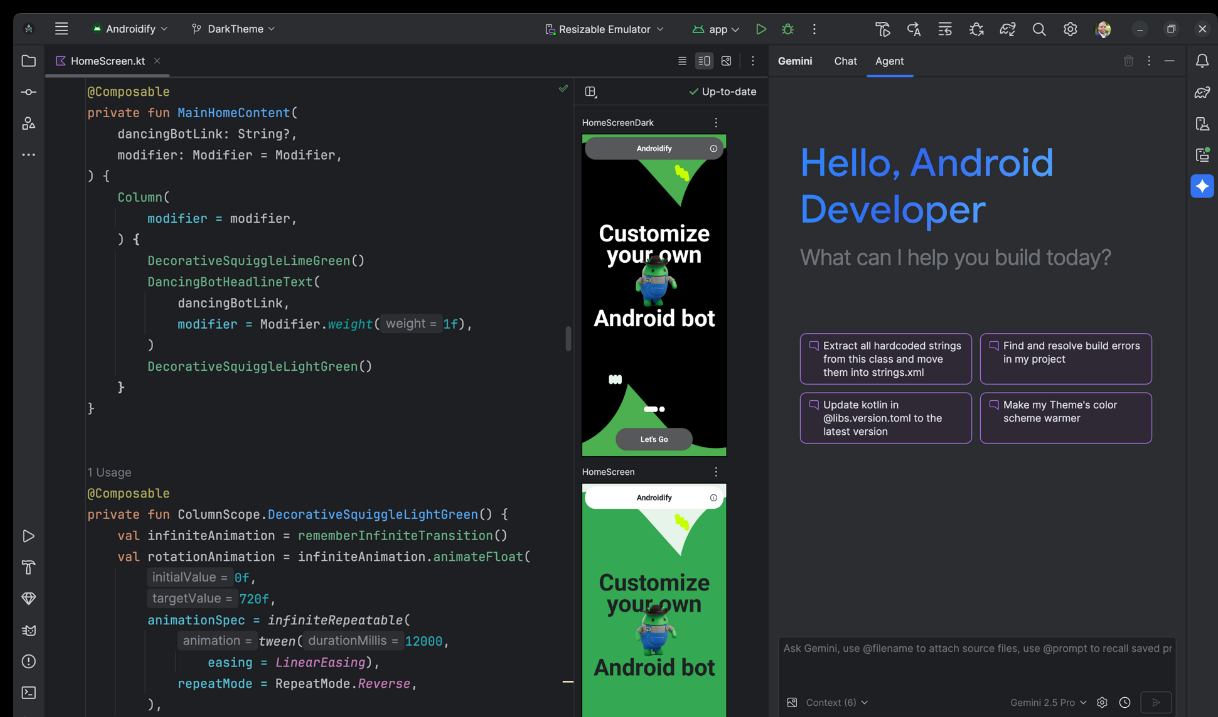
Click to view full size